ZapFile.ai

How ZapFile Works

ZapFile uses encrypted cloud storage to transfer files directly from sender to recipient — with zero permanent storage, no accounts, and complete privacy. Here's the technical breakdown.

The Simple Version

Think of ZapFile as a secure digital courier. Your file travels from your device to encrypted cloud storage, stays there just long enough for your recipient to download it, then vanishes forever. Our servers only facilitate the introduction — they never touch or store your files.

Transfer Flow

Your Device
Encrypted Storage
Recipient's Device

Files are deleted from encrypted storage once download completes

Technical Architecture

Encrypted Cloud Storage Layer

ZapFile uses distributed cloud storage with built-in encryption at rest. Files are uploaded to encrypted storage using TLS 1.3, encrypted during storage using AES-256, and downloaded by the recipient through the same secure channels. Our servers only manage transfer coordination (generating room codes, tracking transfer status) — they never process or store your actual files.

Learn more about TLS encryption standards →

Zero-Persistence Storage

Files exist in encrypted storage only during the active transfer. Once the recipient successfully downloads the file, it is automatically and irrevocably deleted from storage. This ensures no file persists beyond its intended purpose. The transfer link also becomes invalid after completion, preventing unauthorized access.

Room Code System

When you initiate a transfer, ZapFile generates a cryptographically secure, random room code. This code serves as the unique identifier for your transfer session. Share this code (or the pre-generated link containing it) with your recipient through any channel — text, email, chat, or social media. Room codes are single-use and expire after the transfer completes.

Chunked Transfer Protocol

Large files are automatically divided into chunks for reliable transfer. This chunking provides multiple benefits: improved error recovery (failed chunks can be retried without restarting the entire transfer), parallel transfer capability (multiple chunks upload and download simultaneously), and better progress tracking. The recipient's browser reassembles the chunks into the original file seamlessly.

Security & Encryption

In-Transit Encryption

All uploads and downloads use TLS 1.3, the latest version of the Transport Layer Security protocol. This provides strong encryption for data in transit between devices and cloud storage.

TLS 1.3 Specification (RFC 8446) →

At-Rest Encryption

Files stored temporarily are encrypted using AES-256, the U.S. government standard for protecting sensitive information. Each file uses unique encryption keys managed by the cloud infrastructure.

Server Separation

Our application servers (which handle room codes and transfer coordination) are architecturally separated from the storage layer. Our servers never process, store, or have access to your file contents.

No Persistent Data

Since files are deleted after download, there is no data to breach. Zero retention means zero exposure. See our Privacy Policyfor complete details on our minimal data practices.

Step-by-Step Transfer Process

1

Select your files

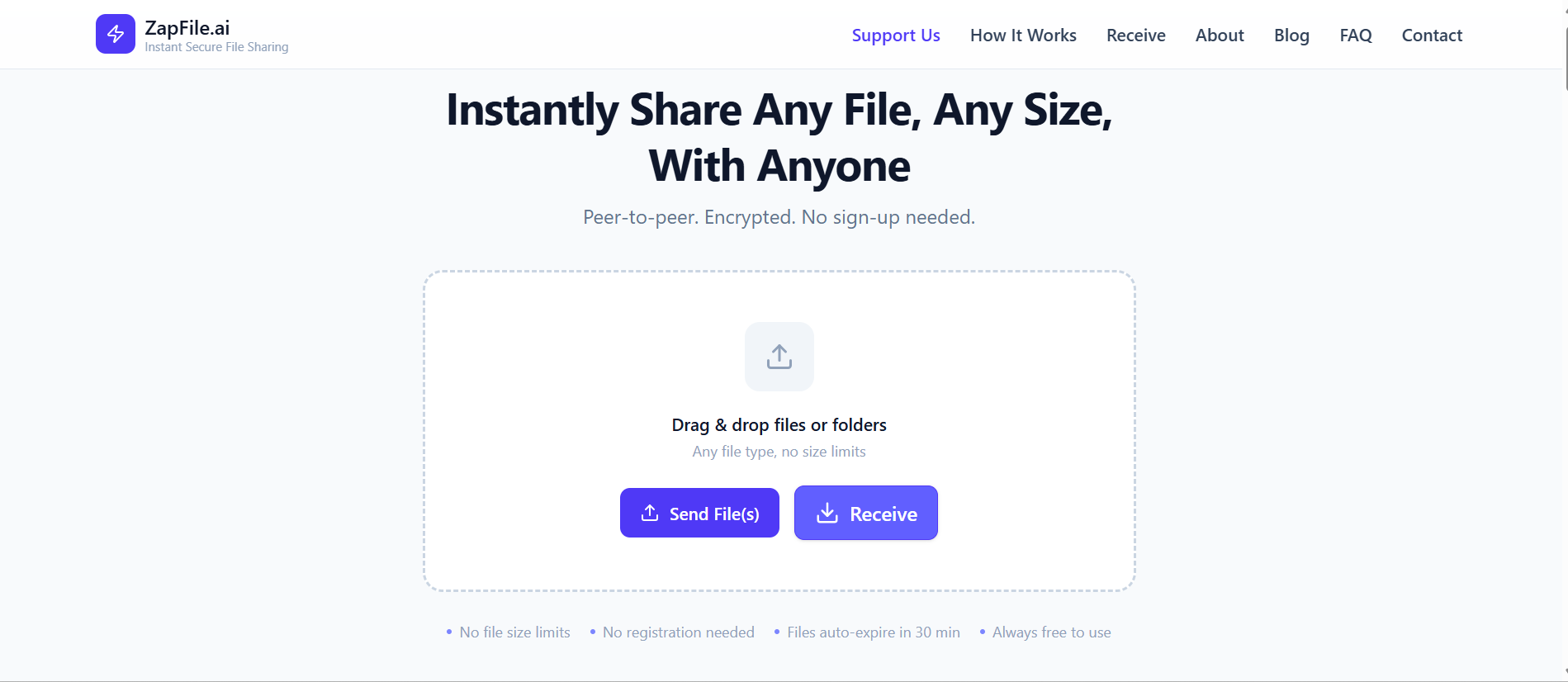
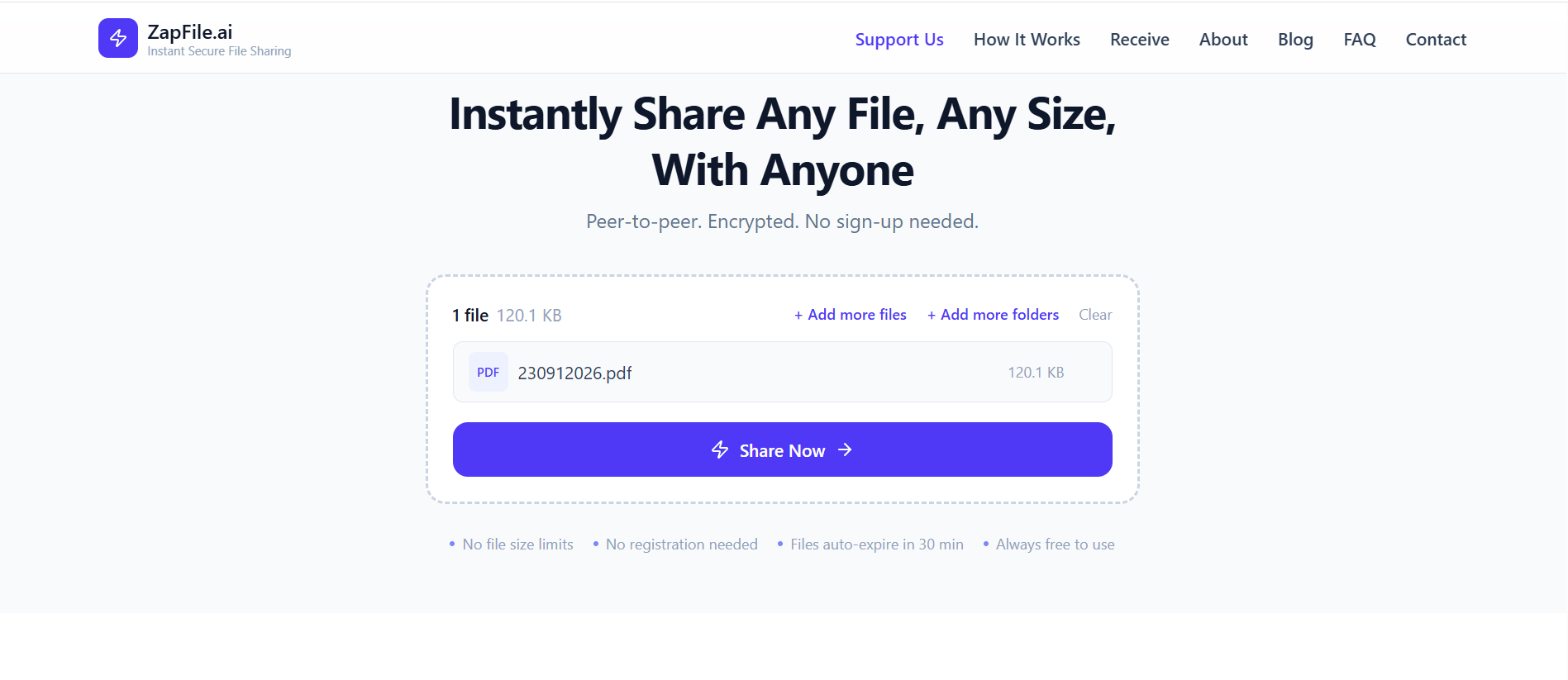
Drag and drop files or folders into your browser, or tap Browse to select from your device. ZapFile supports any file type and any size — from small documents to multi-gigabyte video files.

2

Generate secure link

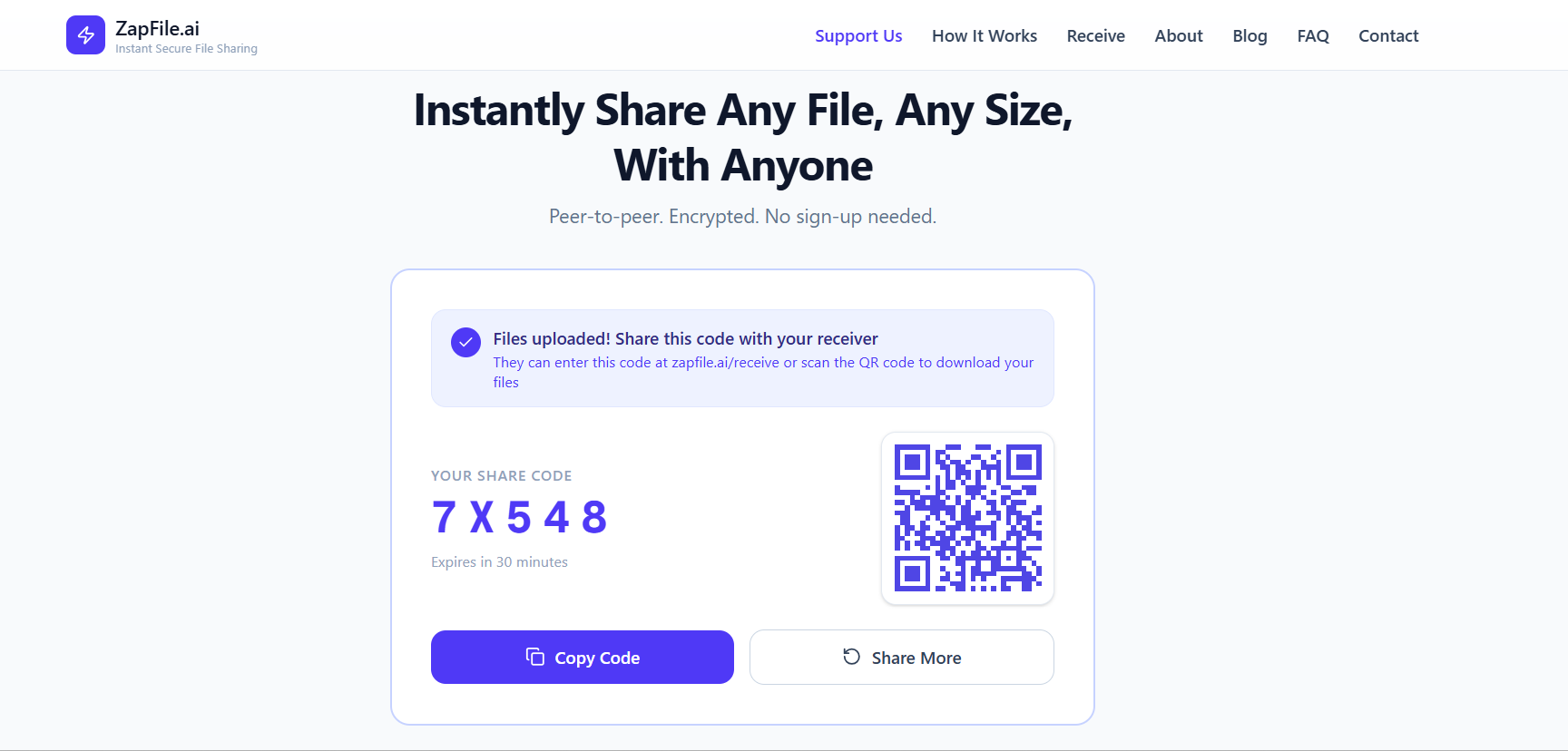
ZapFile generates a cryptographically random room code and creates a unique, secure transfer link. This link is all you need to share — no passwords, no accounts required.

3

Share with recipient

Send the transfer link to your recipient through any channel: text message, email, chat app, social media, or any messaging platform. The link works on any device and any browser.

4

Recipient downloads

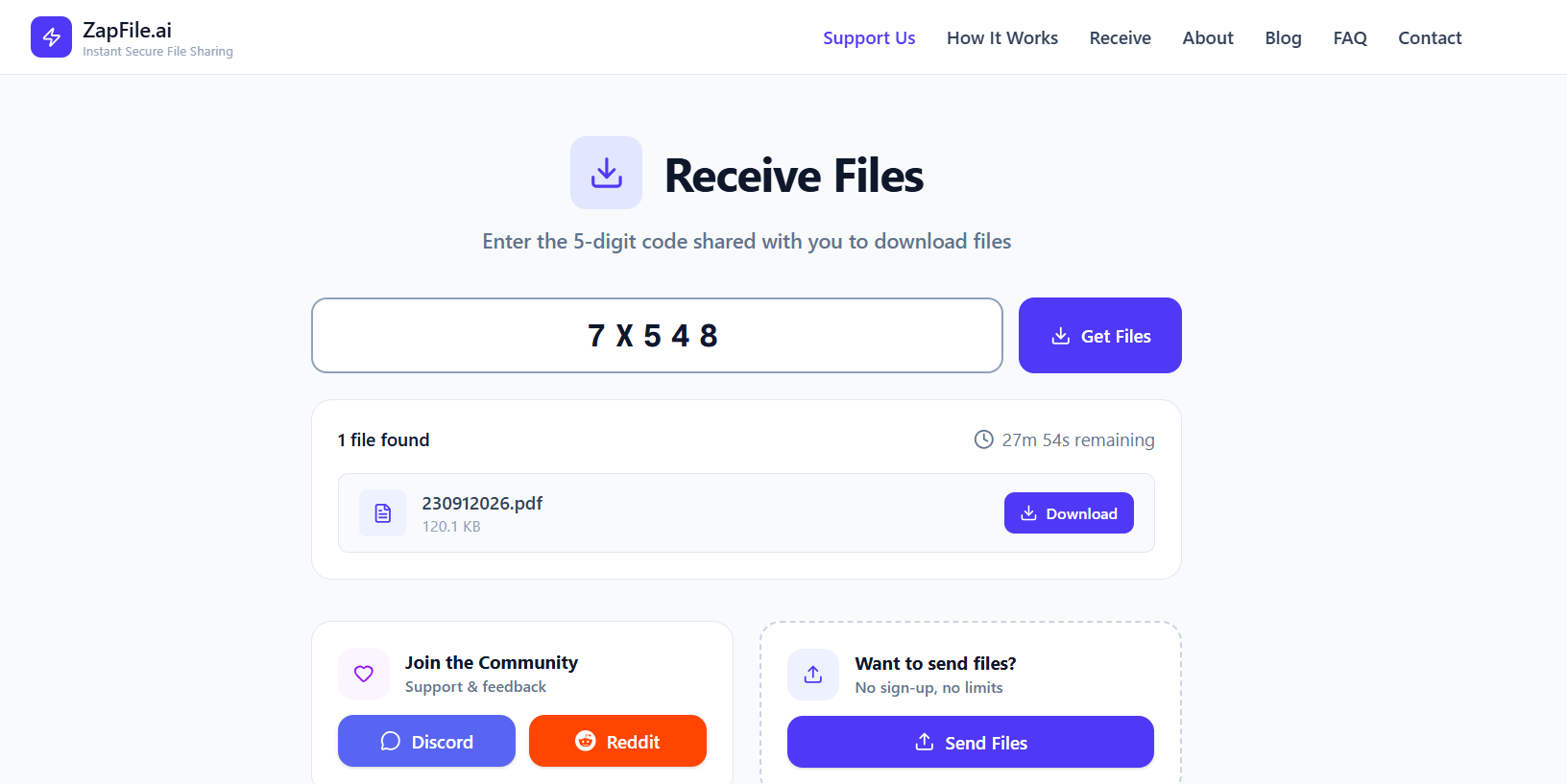
Your recipient clicks the link, and their browser downloads the file directly from encrypted storage. No sign-up, no software installation, no waiting for permissions.

5

Automatic deletion

Once the download completes successfully, the file is automatically deleted from encrypted storage. The transfer link becomes invalid, ensuring no one can access the file afterward.

Important Considerations

  • Both parties must be online:Since files are not stored permanently, both sender and recipient need to be connected during the transfer. The sender should remain online until the recipient starts downloading.
  • Transfer link expiration:Transfer links become invalid once the download completes. If you need to share the same file with multiple recipients, initiate a new transfer for each person.
  • Connection requirements:Stable internet connection is required for both parties during transfer. Most networks work seamlessly, but some restrictive corporate firewalls may affect performance.

Frequently Asked Questions

How does ZapFile differ from cloud storage services like Google Drive or Dropbox?
Cloud storage services store your files indefinitely for you to access later. ZapFile does not store files at all — files exist only during the active transfer and are deleted immediately after download. We're for temporary transfers, not permanent storage.
Is ZapFile more secure than email attachments?
Yes. Email attachments are stored on multiple mail servers and can be accessed by anyone with access to those servers. ZapFile files are never stored permanently, use stronger encryption, and are deleted immediately after download.
Can I transfer files to multiple recipients at once?
Each transfer link is designed for single use. To send the same file to multiple recipients, initiate a new transfer for each person. This ensures each recipient receives a fresh, secure link.
What happens if the download fails or is interrupted?
If the download is interrupted, the recipient can retry using the same transfer link as long as the sender remains online and the transfer hasn't been completed. Chunked transfer allows for more reliable error recovery.